
Track, Analyze & Improve your Software Development Experience
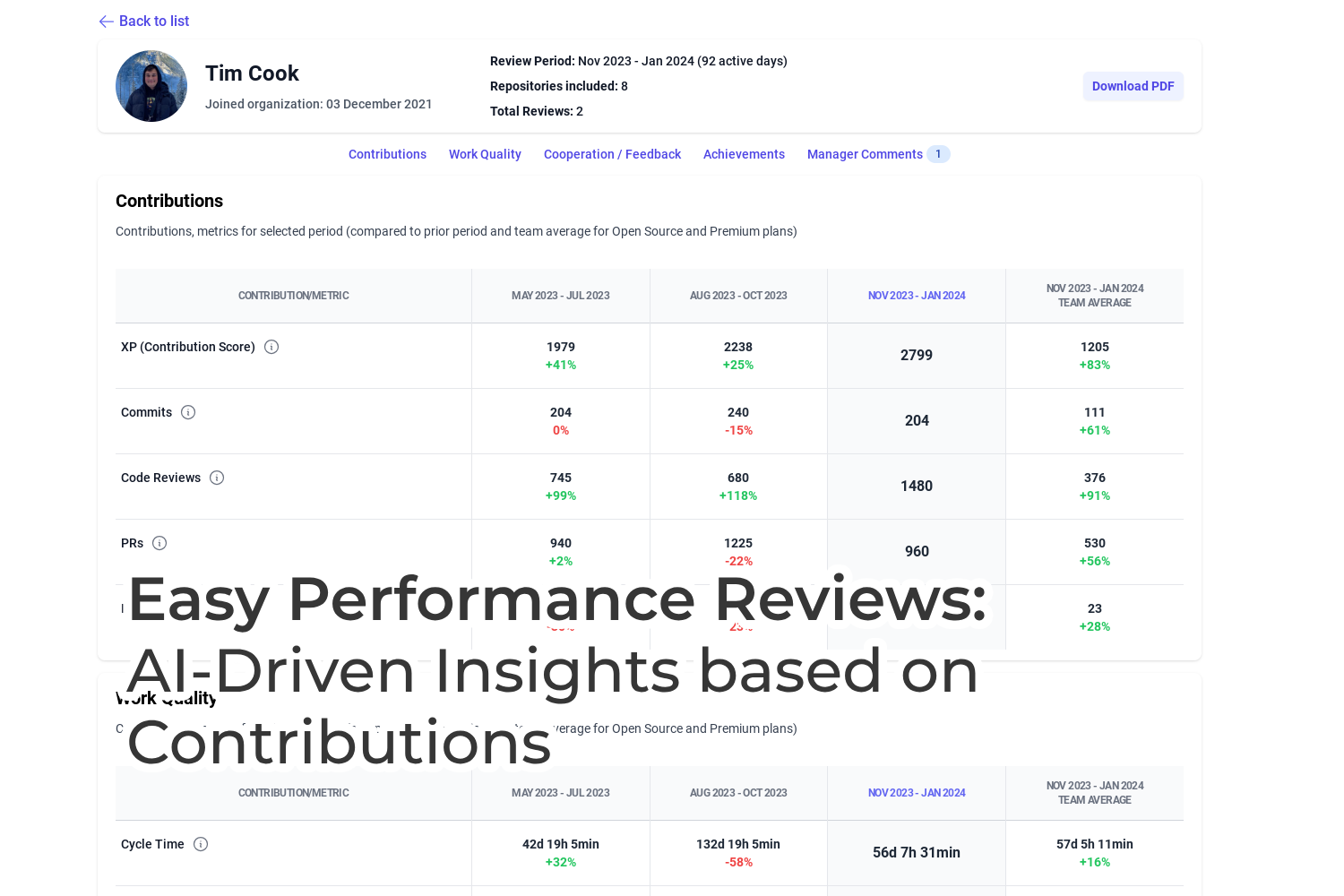
- Data-driven Performance Reviews
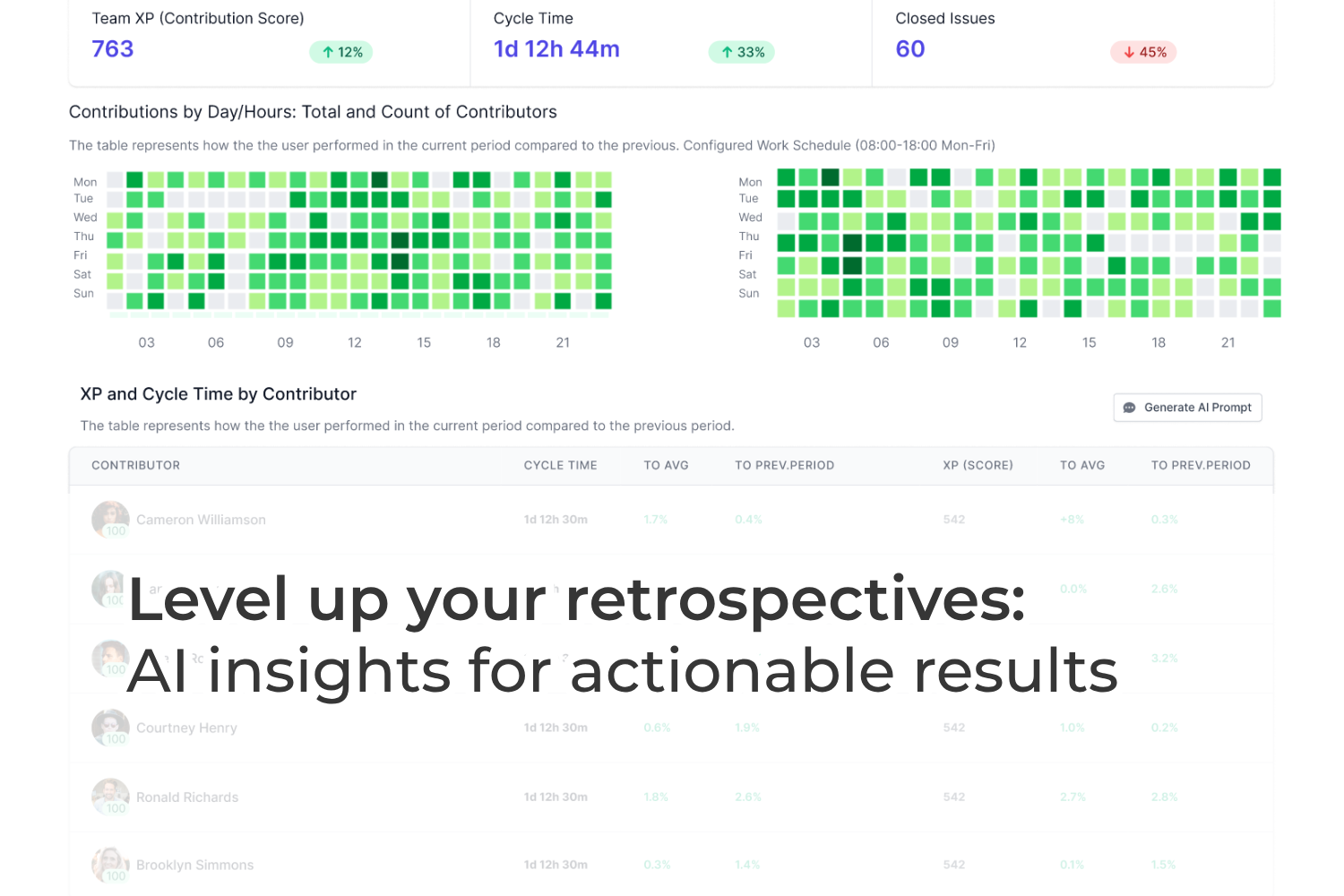
- AI-Powered Retrospective Insights
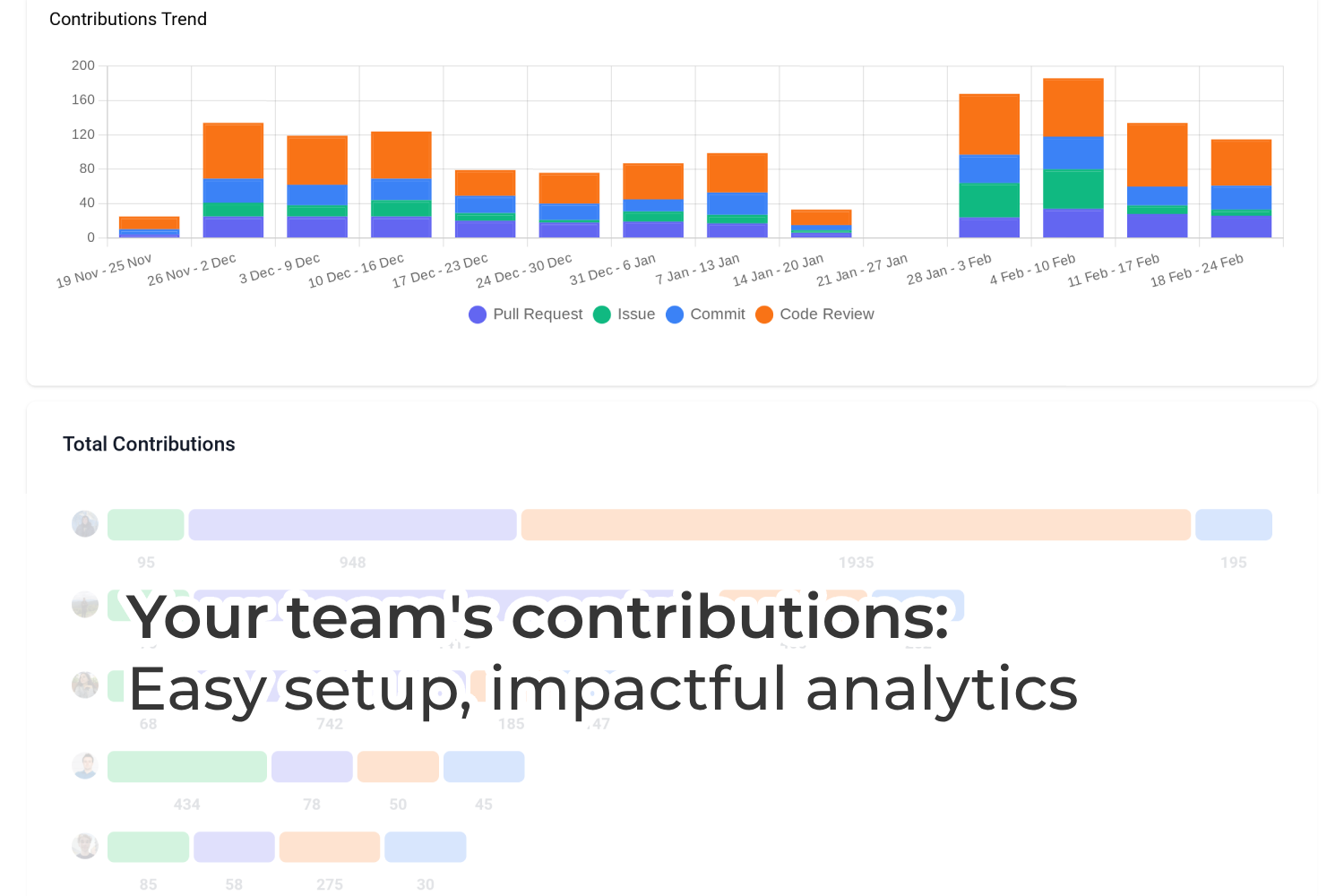
- Contribution and Work Quality Analytics
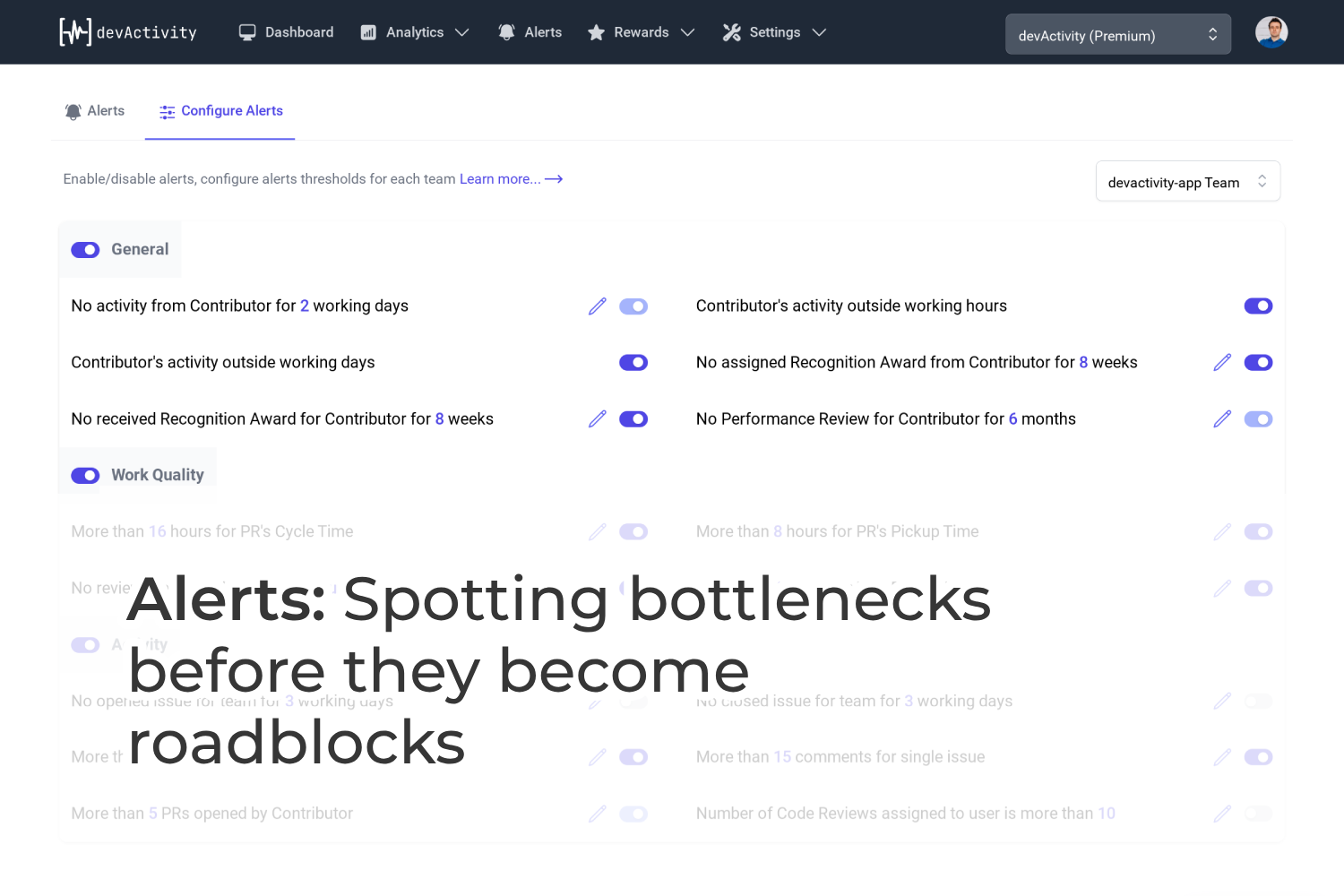
- Operational Bottleneck Alerts
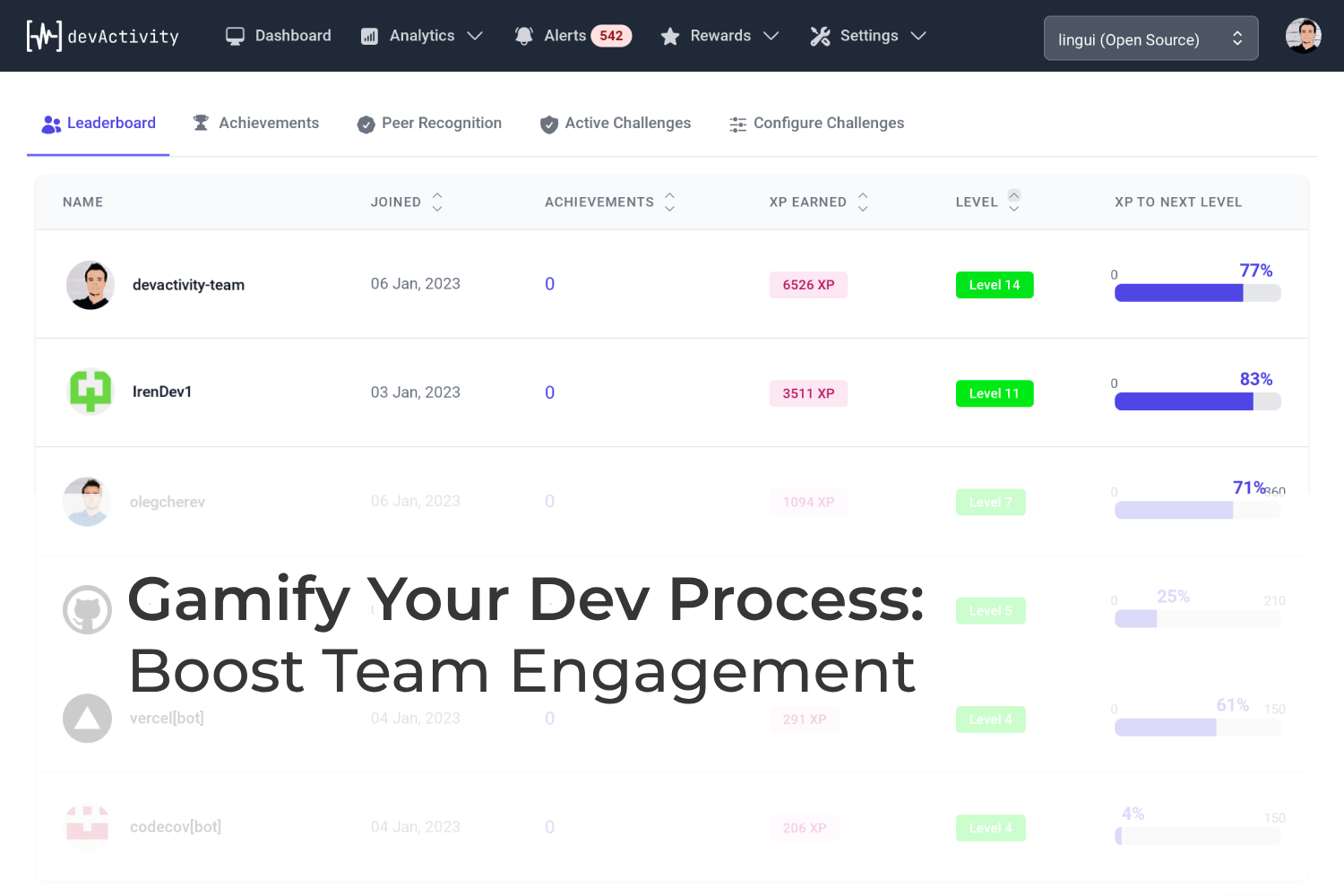
- XP, Levels / Challenges, Achievements / Leaderboard
based on Commits/Pull Requess/Code Reviews/Issues/Comments events
Who is devActivity for?
Solutions for each role
Empower your software engineering project with actionable insights and engaging gamification features
Why devActivity?
Effortless to implement and maintain
Start in Minutes
Simply install free GitHub app to get granular visility on dev process
Fully Automated
Zero manual input, let your team keep working on project goals
AI-powered
Unlock rich-context AI-driven insights and recommendations with just 2 clicks
Targeting to improve whole GitHub Community
Public and private repos, all-sizes teams and organizations.
- Developers
- 83M+
- Repositories
- 200M+
- Contributions
- 1B+
Frequently asked questions
If you're unable to locate what you need, don't hesitate to contact us with your enquiry.
- Is it genuinely free?
- Absolutely. We've embraced the Freemium model because we believe it offers the best approach. If you find that you require extended functionality, you can always opt for an upgrade. Otherwise, enjoy all our features free of charge!
- Will you access my source code?
- We completely understand this common concern. That's why we prioritize non-sensitive data like Git metadata and do not access your source code.
- What kind of data do you collect from GitHub?
- We gather Git metadata, including the type of activity (such as commits and pull requests), timestamps, and author information. This data is sufficient for creating all the necessary metrics, alerts, and gamification features.
- Do you support other platforms (GitLab, Bitbucket etc)?
- Currently, we're primarily focused on the GitHub community, as it's our starting point. However, expanding to other Git platforms is part of our roadmap. If you have a particular interest in one of them, please let us know or vote for idea @ GitHub Discussions.
Latest from the blog
Beyond the Force Push: Ensuring Accurate GitHub Contributor Statistics for Your Development Dashboard
Learn why GitHub contributor statistics go stale after force pushes and how to fix them. Essential for accurate…
Boost CI/CD Efficiency: The Case for Transparent Container Image Caching on GitHub Actions
Discover how transparent container image caching on GitHub-hosted runners can significantly improve CI/CD build times,…
Lost Your GitHub Repository? How to Privately Investigate and Safeguard Development Quality
Learn how to confidentially investigate missing GitHub repositories and ownership transfers, even on Free accounts.…
Enhancing GitHub API Security: Why Sub-tokens Are Essential for Modern Software Development Reports
Explore how GitHub sub-tokens could revolutionize API security, enabling true least privilege and improving software…
Optimizing Your Stack: The Shift from Automate.io to Robust Shopify Integrations
Comparison of legacy middleware integration vs. native direct integration architecture for Shopify. For engineering…
Latest insights
GitHub's Huge HTTP Headers: A Silent Threat to Developer Productivity and Engineering Measurement
Learn how GitHub's oversized HTTP response headers are causing critical issues for developer tools like Elixir and…
Maintaining Developer Flow: Lessons from a Recent Copilot Incident on Productivity Monitoring
A recent GitHub Copilot incident highlights the importance of robust developer tools and effective productivity…
GitHub Account Suspension: Navigating Automated Flags and Streamlining Support for Developer Productivity
Learn why GitHub accounts get suspended by automated spam flags, how multiple support tickets can delay resolution,…
Troubleshooting CS_NET_01: Unlocking Your Performance Development Tool with GitHub Codespaces
Facing CS_NET_01 when creating a GitHub Codespace with a VPN? This community insight explores solutions to get your…
Streamlining Software Project Monitoring: GitHub Copilot in Teams Turns Notifications into Code
Discover how GitHub Copilot in Microsoft Teams transforms issue notifications into actionable code and pull requests,…
|
Dashboards, alerts, and review-ready summaries built on your GitHub activity.
Install GitHub App to Start